
Photograph
Start with a room overview, then photograph the item or surface you want to show.
Android · Preparing for launch
Photograph rooms and furnishings, mark the damage you see on the photo, and prepare a PDF report you can share with your landlord or host.
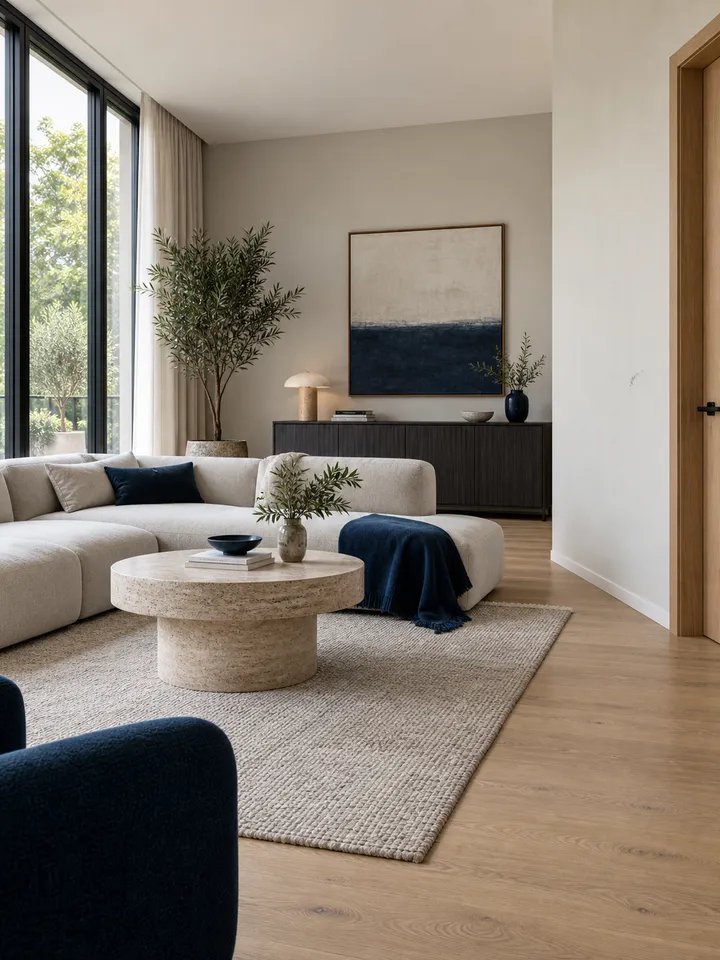
A mark on the wall beside the door. Add a close-up and a short note to show its location.
Review. Share as a PDF.
WHAT BRINGS YOU HERE?
Moving home, going on holiday or preparing a professional handover.
Start with clear photos for your deposit, move and home handover.
Move-in and move-outExplore this use caseA clearer handover from arrival to departure in holiday homes, apartments and bungalows.
Arrival · departure photosExplore this use caseManage your properties and photo reports in one place.
Property · keys · metersExplore Agent ModeReady in the Android build · Store release pendingSMART HANDOVERS. A SIMPLE START.
Three steps. One clear workflow.
Start with a room overview, then photograph the item or surface you want to show.
Indicate the scratch, stain or break. Briefly describe the condition you see.
Review the photos and notes, then create a PDF to send to your landlord or the person handing over the property.
BEFORE YOU GET THE KEYS
A practical move-in checklist for room photos, visible marks, keys and meter readings. Prepare notes that remain understandable after the boxes arrive.
~2 min readPlan a final rental walkthrough after packing, with room photos, key counts and notes you can compare manually with your move-in record.
~2 min readTake useful room overview and detail photos, write precise captions and review your files before leaving a rental walkthrough.
~2 min readA practical holiday rental photo guide: rooms, TV, remotes, keys, visible damage and a fresh check before departure.
~2 min readOrganise photos, explanations and arrival and departure details to prepare a response to a claim after a short stay.
~2 min readFresh reading for your next handover
START TODAY
Separate checklists for home rentals and short stays. Open them on your phone or print a copy to take with you.
Room photos, visible damage and details to check at handover.
Printable PDFSeparate arrival and departure photos, with reminders for belongings and remote controls.
Printable PDFInside the app
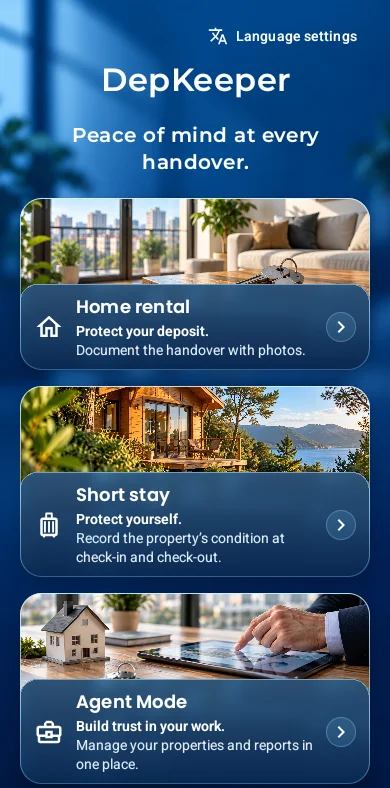
The Android app has not yet been published in stores. You can open or download the website checklists now. Verified store links will be added after release.
The current Android preview lets you create reports without an account. Photos and reports are stored on your device; the core photo and PDF workflow works offline.
Short stays have separate photos and manually completed item checks for arrival and departure. Arrival photos can be a reference at checkout; add new photos to show the departure condition.
The Android 0.4.4 Turkish preview also includes templates, key and meter fields, company-branded PDFs and optional on-screen signatures. Review of the new screens in other languages is pending. Store publication is pending.
No. You mark the damage you see in a photo. A report documents observations; it does not guarantee the cause of damage, responsibility or return of a deposit.
Choose a receiving app through the existing PDF or photo-sharing tools. Check the content and recipient first. DepKeeper does not provide automatic booking-platform integration or delivery acknowledgement.
DEPKEEPER · ANDROID
Get one email when the DepKeeper Android app is available.