
If a damage or missing-item claim arrives after checkout
First, establish which item or damage the request concerns. Put your arrival photos, messages, departure photos and handover details together in chronological order.
Sources checked: 9 September 2026
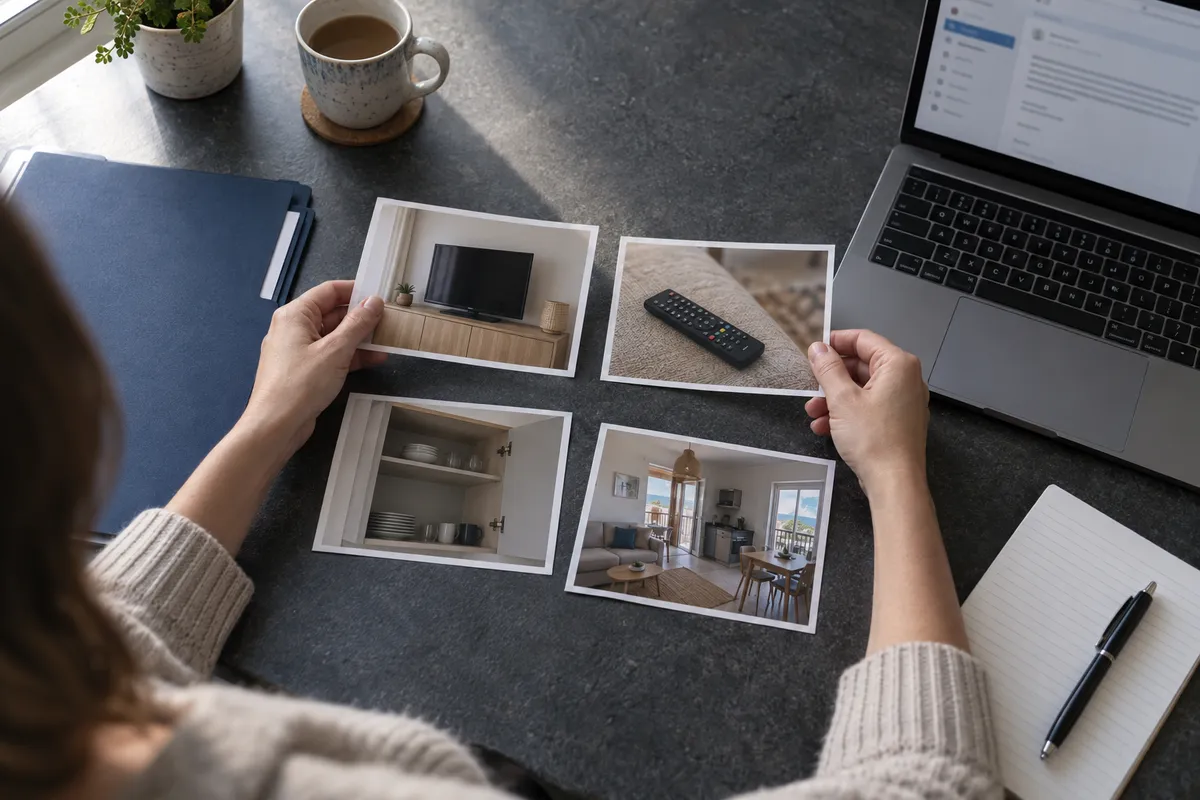
How can you do this in DepKeeper? See the app example ↓
Check the details and response deadline
Read which item, damage and amount the claim concerns. Airbnb’s damage-request help page gives 24 hours to respond to the initial request. Check the deadline in your own notice and explain which points you disagree with and why.
- Identify the item or area concerned.
- Separate the points you accept from those you dispute.
- Ask for clarification where details are unclear.
Arrange the photos chronologically
Start with arrival, then messages sent during the stay, followed by departure photos. Include an overview showing the item’s location alongside any close-up. Keep the originals unchanged.
- Explain the room and date associated with each photo.
- Choose images that directly address the claim.
- Do not present an arrival photo as a departure photo.
If the claim says the TV is missing
A departure photo showing the TV in the room provides different information from an arrival photo. A remote check, checkout message and an account from the person receiving the property may also support the timeline. These records do not by themselves establish who entered after you left.
If the claim concerns a smoke smell
A photo does not show smell or conclusively prove that nobody smoked throughout the stay. If you reported a smell on arrival, have relevant messages or made observations during a joint handover, use those to explain the situation. DepKeeper is not a smoking detection or certification tool.
Keep the response clear and consistent with your documents
If the request remains unresolved, Airbnb may review the host’s documents and the guest’s explanation. Rejecting a request does not automatically cancel it. Add relevant photos and respond to any further information requests within the stated time.
This guide helps organise your explanation. It is not a country-specific legal assessment or a guarantee of an outcome.
PUT IT INTO PRACTICE WITH DEPKEEPER
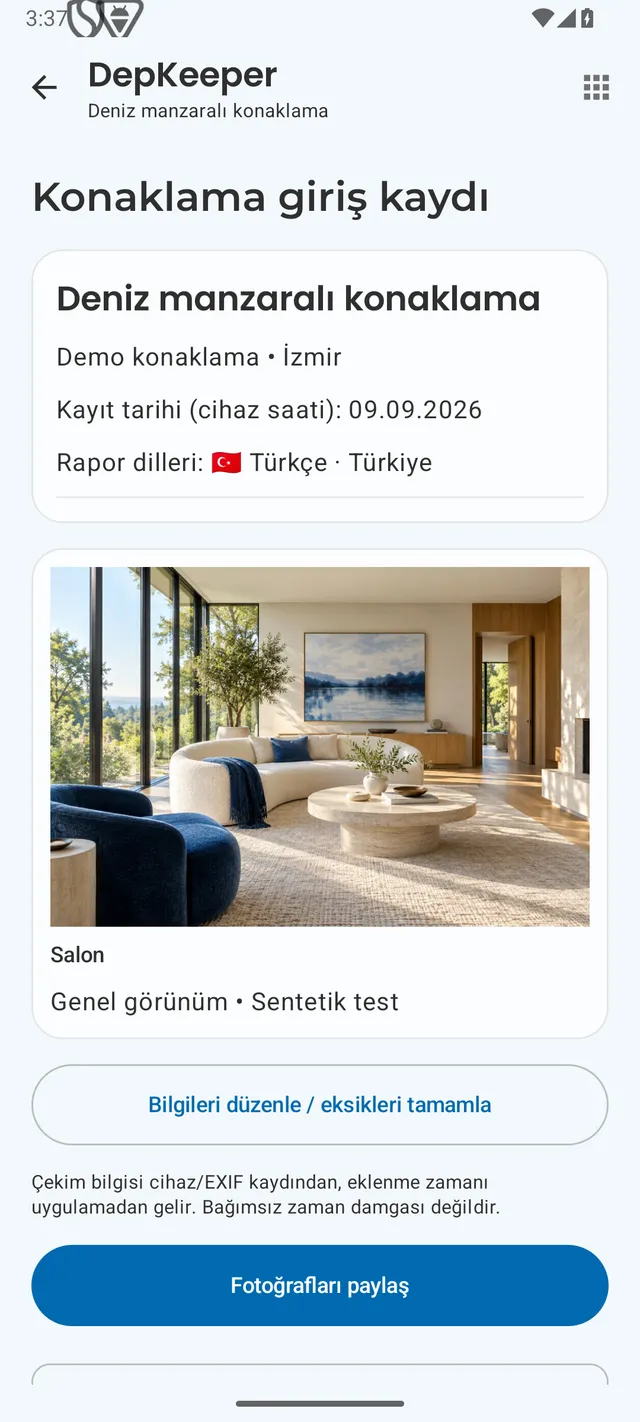
Find the relevant photos with their observations.
Review arrival and departure observations in DepKeeper and share the relevant photos. Keep platform correspondence in your own account too.
- Open the correct stay and stage.
- Review the item photo, room name and note together.
- Share the relevant images and follow the platform’s reporting process separately.
The Android app is being prepared for store release.
Sources checked: 9 September 2026. Platform rules can change; check the current deadline in your own notice.