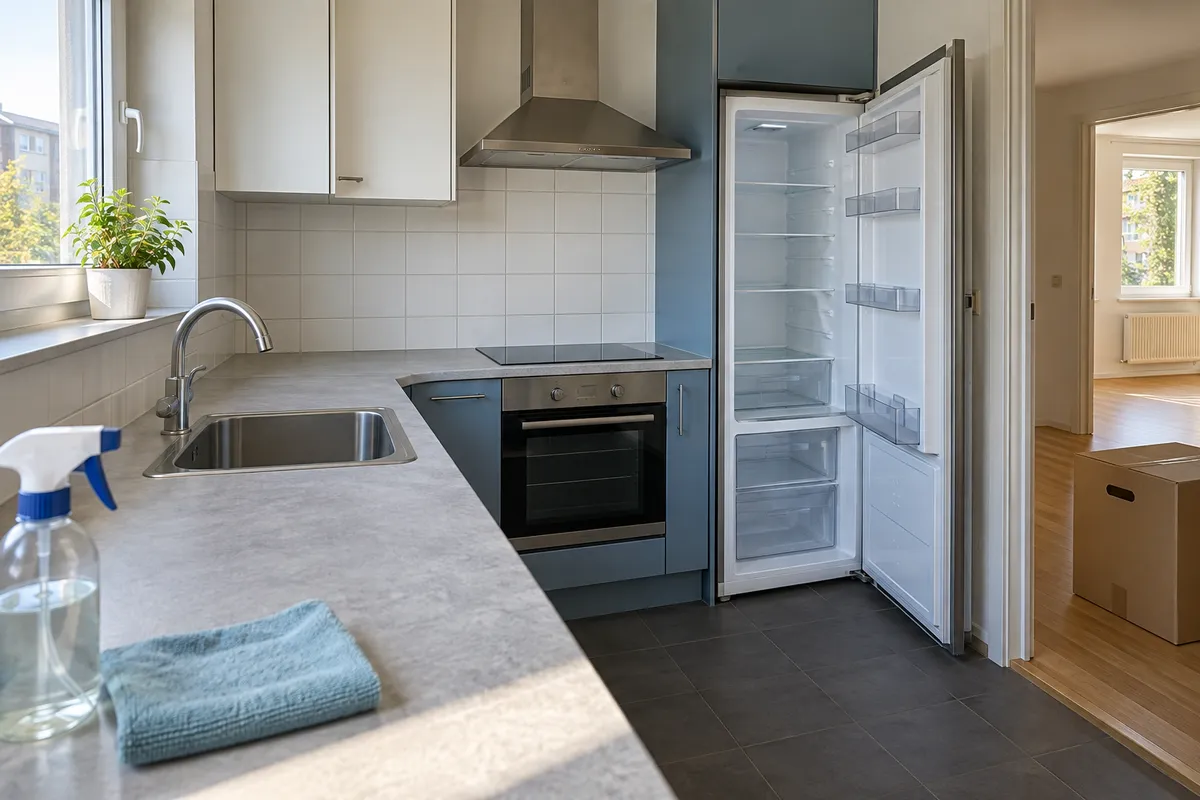
Moving out: prepare a clear final walkthrough
A final walkthrough is easiest once your belongings are packed and the rooms are accessible. Keep the earlier condition record nearby, but describe what you see today in a separate set of notes. The purpose is to make changes understandable, without deciding who is responsible for them.
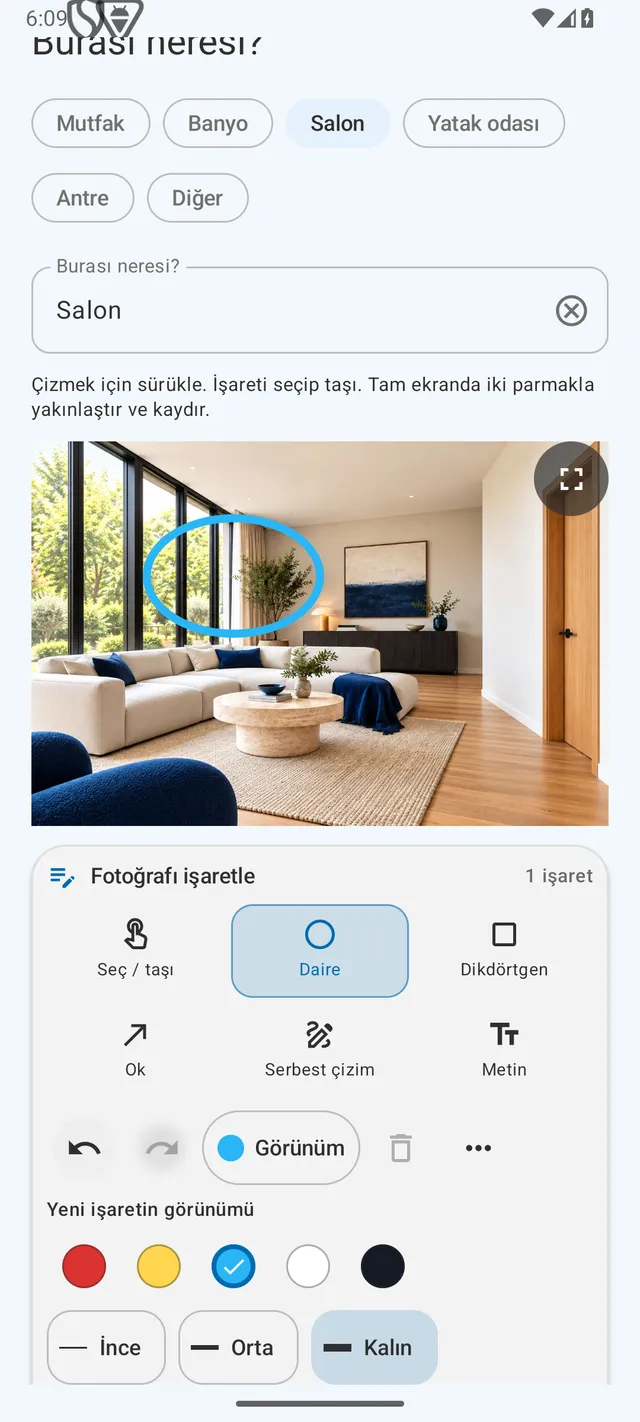
How can you do this in DepKeeper? See the app example ↓
Gather the starting record
Find your move-in photos and notes before the final visit. Use the same room names and route so that corresponding views are easy to locate. If an earlier picture is missing, say so instead of trying to recreate a past condition from memory.
- Put the earlier record and the current notes in clearly named folders.
- List areas that need a fresh overview and closer inspection.
- Set aside keys, fobs and any supplied items for the handover.
Photograph the accessible rooms
Record rooms after removing your belongings where possible. Open cupboards only when it is appropriate and safe. Make a note if a wardrobe or appliance still blocks a surface, rather than treating the hidden area as inspected.
- Take a wide view from a position similar to the move-in photo.
- Add detail photos of visible marks and the surrounding surface.
- Describe remaining items and areas that were not accessible.
Check the small practical details
Numbers and counts are easy to forget during a busy departure. Keep them next to the room observations. Write down what you recorded yourself and distinguish it from information another person provided.
- Record accessible meter readings with the unit and identifier.
- Count the keys and fobs being returned.
- Note any items or questions that still need follow-up.
Keep a readable final copy
Review the report before sharing it. A manual side-by-side look at the earlier and current photos may help identify what needs discussion, but different lighting and angles can change appearances. Photos alone do not explain the cause of a difference.
- Check dates, room labels and image readability.
- Save the final copy separately from the move-in version.
- Share only with the intended people and check which personal details it contains.
PUT IT INTO PRACTICE WITH DEPKEEPER
Prepare a fresh photo report when leaving.
Keep the arrival report as a reference. Document departure separately in DepKeeper with new photos and observations.
- Revisit the rooms and details in your arrival report.
- Add fresh departure photos and describe what you see.
- Review the departure PDF before sharing it with your chosen recipient.
The Android app is being prepared for store release.