Moving in: make a room-by-room condition record
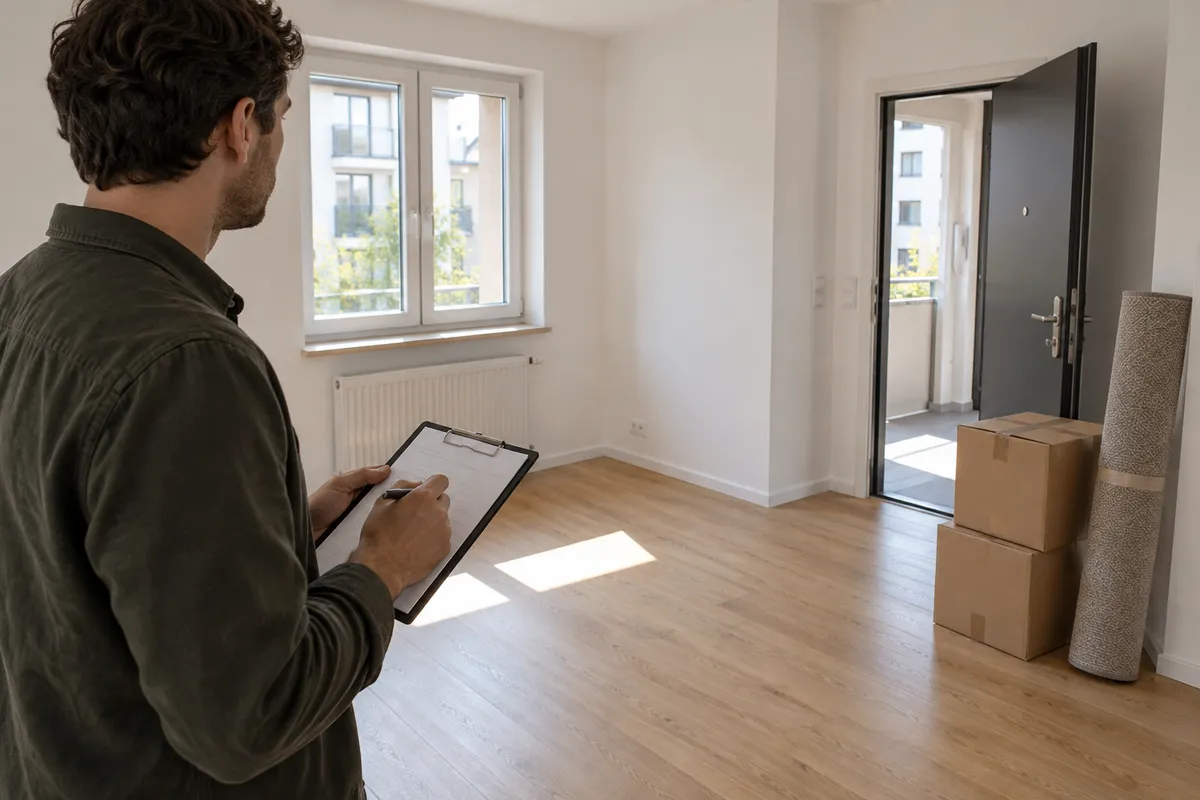
Before unpacking, give yourself one uninterrupted walk through the home. The aim is a readable record of what you can see, with enough context to find each detail again. A tidy set of photos and notes is easier to revisit than a camera roll full of unexplained close-ups.
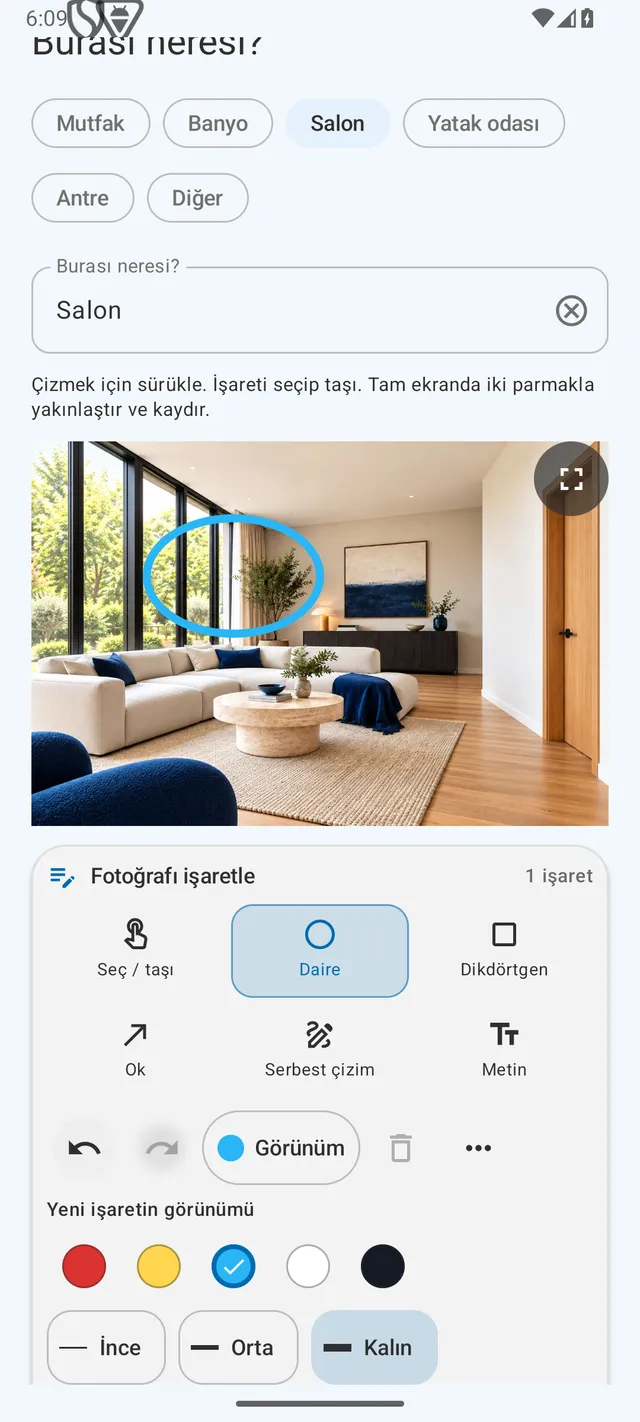
How can you do this in DepKeeper? See the app example ↓
Prepare a simple route
Start at the entrance and work through each room in order. Use consistent room names, especially if there are several bedrooms. If the home is already furnished, describe which areas were accessible and which were hidden by furniture.
- Charge your phone and check available storage.
- Write the visit date and the room names you will use.
- Photograph each room before bringing in boxes, where practical.
Look at surfaces and everyday fittings
Take one or two overview photos, then look more closely at floors, walls, ceilings, doors and windows. Describe visible marks without guessing their cause: “dark patch beneath the left window” is more useful than a diagnosis you cannot verify.
- Note location, approximate size and appearance of a mark.
- Record supplied furniture and appliances with a short description.
- Mark anything you could not access or check as not checked.
Record the handover details
Keep readings and keys with the rest of your visit notes. A number without its unit or meter identifier can be difficult to interpret later. Avoid handling sealed equipment or opening electrical panels to obtain a photo.
- Photograph accessible meter displays together with their identifying labels.
- Count keys and access fobs and describe what each is said to open.
- List practical questions to discuss with the person handing over the home.
Review before you leave
Open a few photos at full size and check that the details are readable. Match each important observation to a picture and save your record somewhere you can find it. This checklist organises observations; it does not establish a legal outcome.
- Retake blurred images while you are still in the room.
- Separate your observations from explanations supplied by someone else.
- If you share a copy, confirm the intended recipient and remove unnecessary personal details.
PUT IT INTO PRACTICE WITH DEPKEEPER
Photograph the room and point out the detail.
In DepKeeper, add the room and an observation to a photo, then mark the area you want to show.
- Take a room overview, then a detail photo.
- Use a circle, arrow or text to point out the area.
- Keep arrival photos and notes in the same report.
The Android app is being prepared for store release.