Rental condition photos: context before close-ups
A useful condition photo answers two questions: where is this, and what should I notice? Work from a whole-room view towards the detail. A few well-chosen images with clear notes are often easier to use than many near-identical shots.
How can you do this in DepKeeper? See the app example ↓
Start with the location
Stand where the room layout is visible and include a recognisable feature such as the doorway or window. Keep room names consistent across photos and notes. In a shared home, avoid including other people’s private belongings whenever possible.
- Take an overview before photographing individual marks.
- Add a medium view that connects the detail to the room.
- Use the same route for every room to reduce omissions.
Make the detail readable
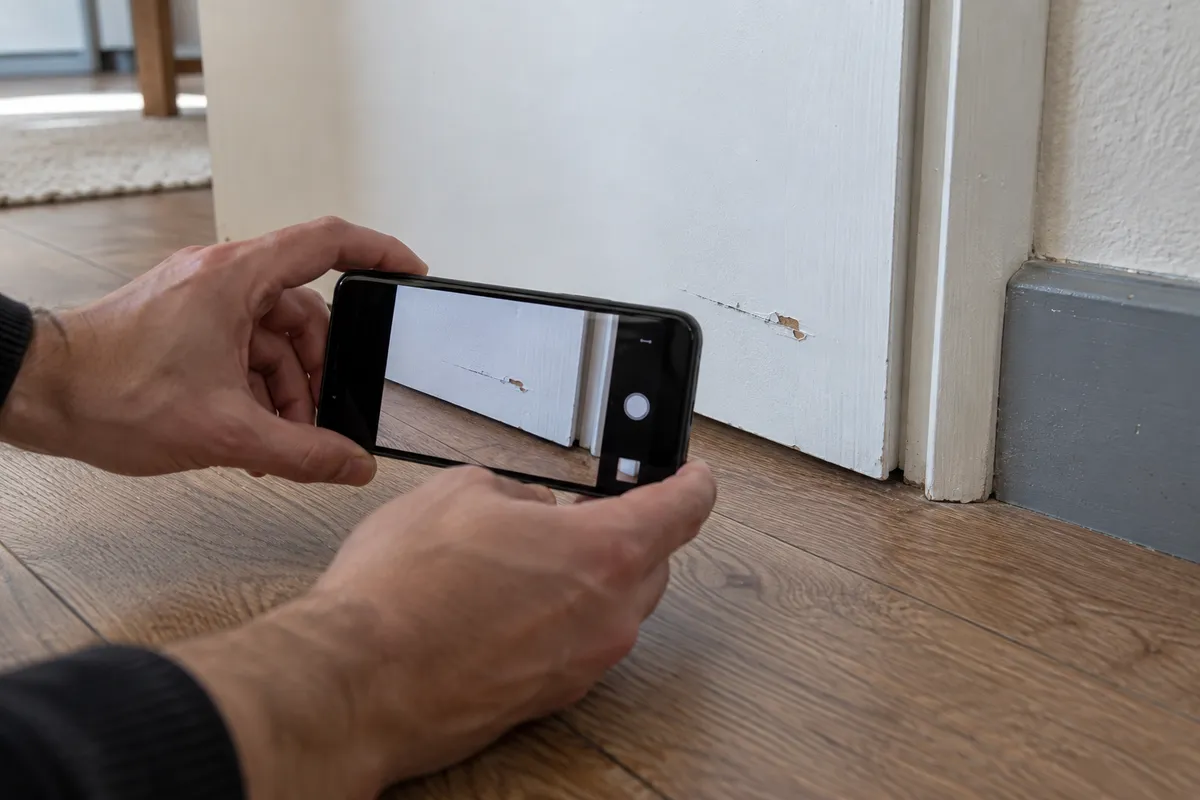
Use steady hands and tap to focus where your phone allows it. Check glare on tiles, windows and glossy surfaces. If extra light helps, use it without hiding the surrounding context or changing the appearance of the surface.
- Take a close-up and a wider view of the same observation.
- Check the image at full size for blur and reflections.
- Do not climb on unstable furniture or handle hazardous equipment for a shot.
Write captions that describe observations
Use a location plus a visible description, such as “bedroom, wall beside the door, two short horizontal marks”. If you include an approximate measurement, label it as approximate. Avoid naming a cause or making a technical diagnosis from the image.
- Identify the room and the specific surface.
- Record what you can see in plain language.
- Keep statements from other people separate from your own observations.
Keep originals and review sharing
Preserve the original files separately if you make annotated copies. A photo date or file name is useful for organisation, but is not a guarantee of authenticity. Before sending images or a report, look for faces, personal documents and other unnecessary details.
- Review the selected images before leaving the property.
- Store your record in a location you can find again.
- Check sharing recipients and be aware that image files may contain location metadata.
PUT IT INTO PRACTICE WITH DEPKEEPER
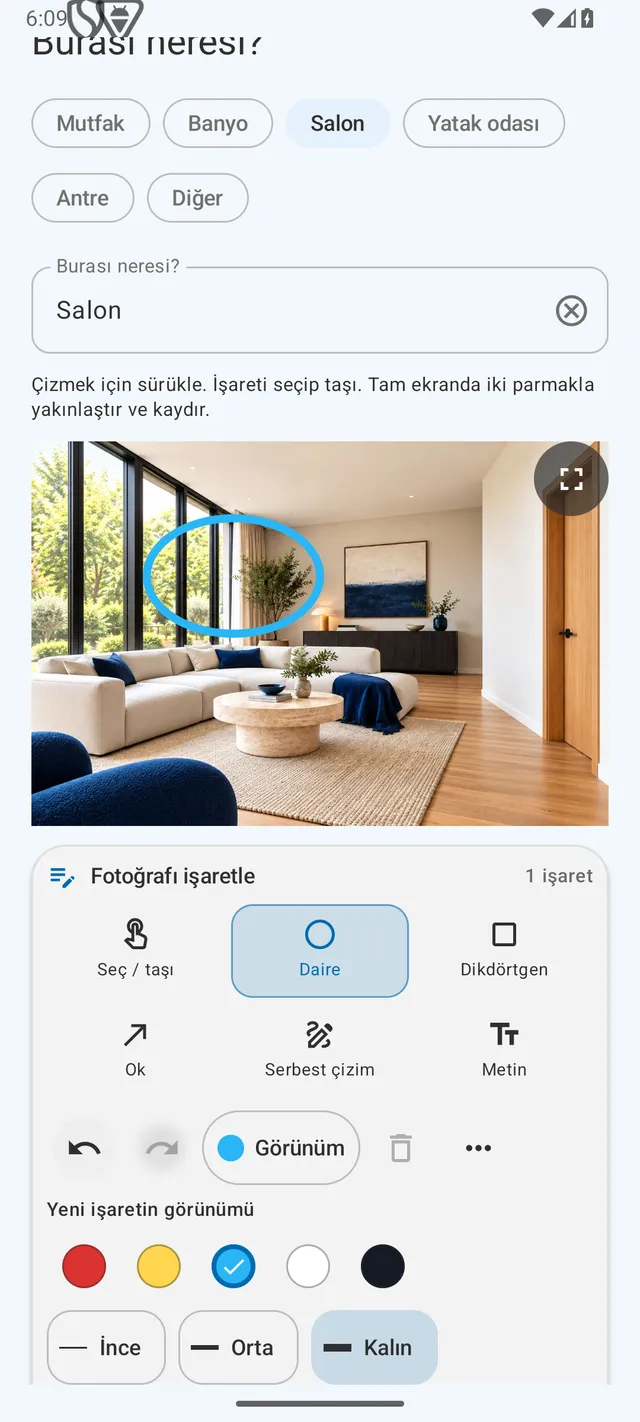
Make it clear which detail you mean.
Use DepKeeper’s annotation tools to connect an observation to the relevant part of a photo. Keep the overview too, so the detail retains its context.
- Add the room and a short observation.
- Choose a circle, rectangle, arrow, freehand line or text.
- Check the annotation and description before creating your report.
The Android app is being prepared for store release.