
How to document end-of-tenancy cleaning beyond a receipt
A cleaning receipt tells you that a service was charged for. A photograph shows one visible view at one moment. Neither automatically explains the condition of the whole home at handover. For a rented home in England, prepare a short cleaning record that connects the starting inventory, the final visible condition and any work carried out. The method below is an editorial workflow, not a guarantee that a deposit dispute will be decided in your favour.
How can you do this in DepKeeper? See the app example ↓
1. Start with the check-in description
Read the original inventory before deciding what your exit photographs need to show. Find the entries for the oven, fridge, bathroom surfaces, windows and floors. Keep any corrections sent at move-in alongside it. A vague description such as “good condition” may not explain whether a surface was clean, scratched or simply functional.
TDS explains that photographs can support a cleaning record but may fail to show dust, stickiness or smells; written descriptions matter. Its guidance also refers back to the standard recorded at check-in. Use this as a reason to make your record specific, rather than to assume that a bright photograph proves everything was clean.
Create a small comparison list with three headings: starting description, final observation and supporting file. Keep cleanliness separate from a chip, worn finish or permanent discolouration. If you do not know whether a mark is removable, describe its appearance. Do not quietly turn an uncertain mark into a confident claim about damage or cleaning.
2. Photograph after the last relevant task
Take the final set after cleaning and removing your belongings, when the surfaces you want to document can actually be seen. If a removal team still needs to cross the hallway, the hallway photo is provisional. Revisit it afterwards if safe access remains available. Write down the inspection time and distinguish it from the later time you exported or emailed the report.
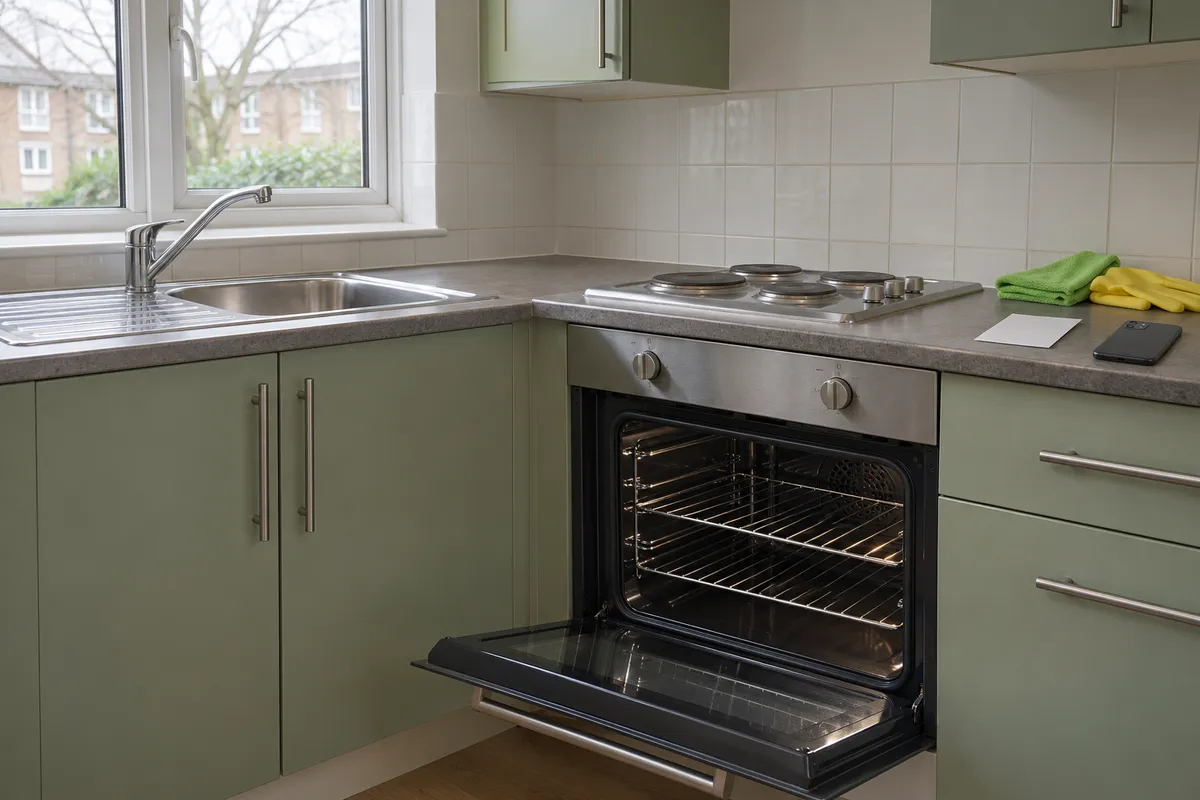
For each room, take an overview first. Then photograph the surfaces that would otherwise be invisible: the inside of an empty, cool oven, accessible fridge shelves, the shower tray or a cleared worktop. Do not disassemble appliances or move heavy furniture merely to get a photograph. Mark an inaccessible part as not checked.
Use ordinary light and inspect the result on screen. A reflection across glass can hide residue, while a dark wide shot can make a floor look more uniform than it is. Take a closer view from another angle when needed, retaining both originals. Filters, object removal and cosmetic retouching are unsuitable for a condition record.
3. Make the note more useful than “deep cleaned”
Write about the surface you observed. “Oven racks and inner door photographed after cleaning; dark patch remains on rear panel” is more informative than “perfectly clean”. If an odour is relevant, describe your own observation, where and when you noticed it, and who else was present. Do not claim that a photograph proves there was no smoking or that a smell has a particular cause.
A practical file reference might be K1 for the kitchen overview, K2 for the oven and K3 for the sink. It is an example of organising your own evidence, not an official numbering system. The reader should be able to open the named file without searching through a phone gallery containing unrelated personal pictures.
Use a separate line for follow-up work. If the agent identifies residue after your first clean and you return to address it with permission, keep the first record and add a dated second entry. Deleting the earlier set can remove the very context that explains why two different photographs exist.
4. Keep receipts in their proper role
If you used a cleaner, retain the receipt and any agreed scope of work. Check whether the date, property and included tasks are understandable. An invoice for a general clean may not include an oven or an external window. Ask the provider to clarify an ambiguous description rather than editing their document yourself.
If you cleaned the property yourself, record what you did and the final condition honestly. Do not invent a contractor invoice or describe your work as an independent inspection. Photographs and your notes remain useful context, but their evidential weight is for the relevant decision-maker to assess.
Store the receipt separately from a public-facing photo report if it contains unnecessary contact or payment details. Share what is relevant to the issue, with the intended recipient, and keep an unaltered original privately. The number of documents is less important than whether they explain the particular disputed surface or task.
5. Send a concise handover summary
Shelter England recommends comparing the move-in inventory and check-out report and explaining the room and date of photographs. Its deposit-dispute guidance covers tenancies in England; do not assume another country's procedure or deadlines are the same. If a claim arrives, follow your own deposit scheme's instructions and deadlines.
At handover, send a factual summary through the usual agreed contact channel. Ask for any remaining observations to identify the room and item. Avoid writing that silence means the entire report has been accepted. Keep the sent message, attachments and reply together.
This fictional example shows how to mention an unresolved point without declaring liability:
6. Put the record together without overstating it
A compact handover package can contain the inventory reference, your short room notes, relevant photographs and the receipt where applicable. Export a readable copy, open it and check that the small details are still legible. Keep original photos separately; a compressed message attachment may be less clear.
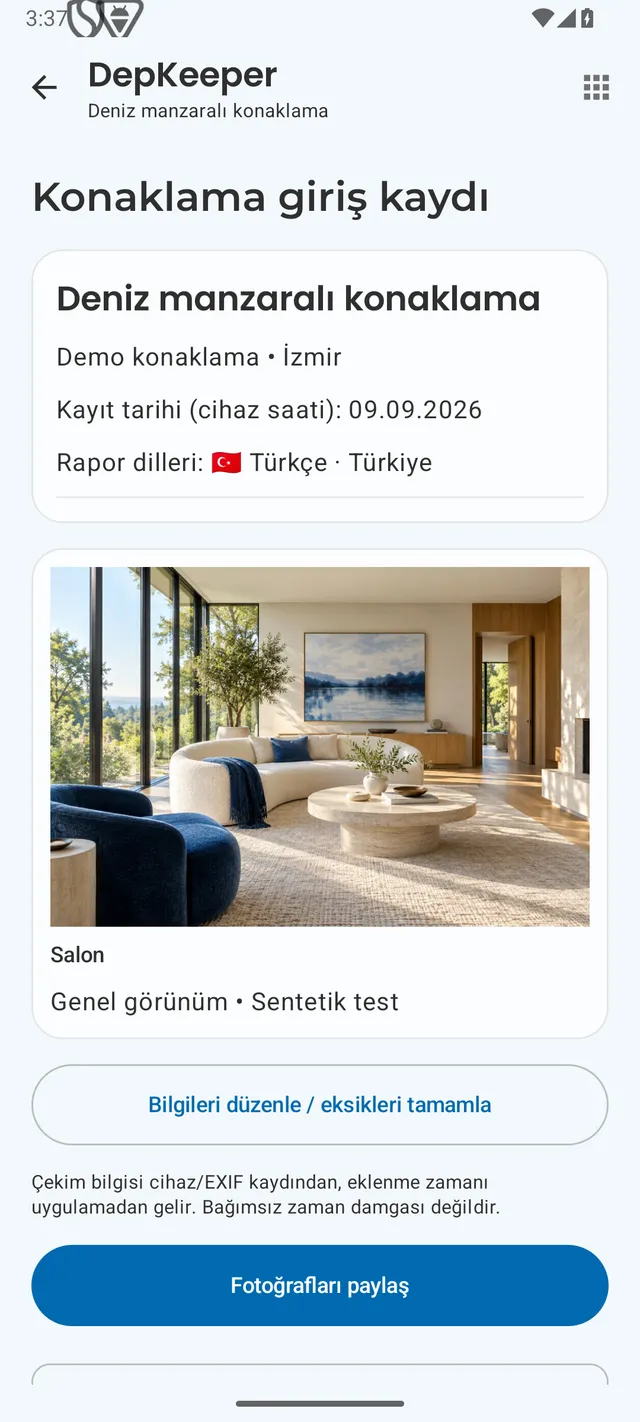
DepKeeper’s photo, manual annotation, note and PDF workflow can help organise the visible condition of each room. It does not certify cleaning quality, prove the absence of an odour or decide a deduction. The Android release is being prepared; the free checklist below is available now, and the waitlist can notify you when the app launches.
Before you send the record
Use this short check after the final room inspection. Keep the package relevant and readable rather than adding every image on your phone.
- Starting inventory and any earlier correction available.
- Final notes distinguish cleanliness, marks and unchecked areas.
- Overview and detail photos identify the same room and item.
- Receipt scope and date checked if a cleaner was used.
- Exported files opened and original photographs retained.
- Sent handover message and any reply kept with the record.
PUT IT INTO PRACTICE WITH DEPKEEPER
A photograph needs a clear description.
Use a room note beside the photo to explain what you observed before sharing the PDF.
- Name the room and surface.
- Distinguish cleaning from an existing mark.
- Check the exported report and retain the originals.
The Android app is being prepared for store release.
Before returning the keys
Check the starting inventory, final room notes, readable originals, receipts where relevant, and the sent handover message. Start with the free checklist.
Sources
Sources opened and checked on 2 November 2026. Scope: England. The TDS article dates from 4 April 2019; no old dispute statistics are reused. The sequence, file labels and example are editorial suggestions, not legal advice. The illustrative cover is AI-generated.